

John AldersPublished 7 min read
You’ve decided to leave your lab. The trouble is everything it still has in progress: jobs half made, patients booked to pick them up, and a front desk that knows the old order screen by heart.
Switching optical labs goes wrong when everything moves at once. Done in the right order, the old lab finishes its own jobs while the new one takes the next ones, and nothing gets lost between the two.

What order should you follow when switching optical labs?
Open the account first, test the new lab second, move new work third, and let the old lab finish last. Each step waits for the one before it, and none of them means you stop taking orders.
| Step | What happens | Done when |
|---|---|---|
| 1. Open the account | The new lab sets up your practice to order | Your staff can place an order the way they already do |
| 2. Send a test job or two | Jobs you know well, checked on your own bench | Both match the order and fit the frame |
| 3. Move new work | From a set date, all new orders go to the new lab | Nobody picks the old lab on the order screen |
| 4. Let the old lab finish | Jobs in flight come back from the old lab as normal | The old lab’s open-job list is empty |
| 5. Close out | Remakes on the old lab’s jobs are settled | Nothing is left in the old lab’s name |
If you’re still deciding whether to go, what changes when your lab is independent covers the reasons. This post covers the move.
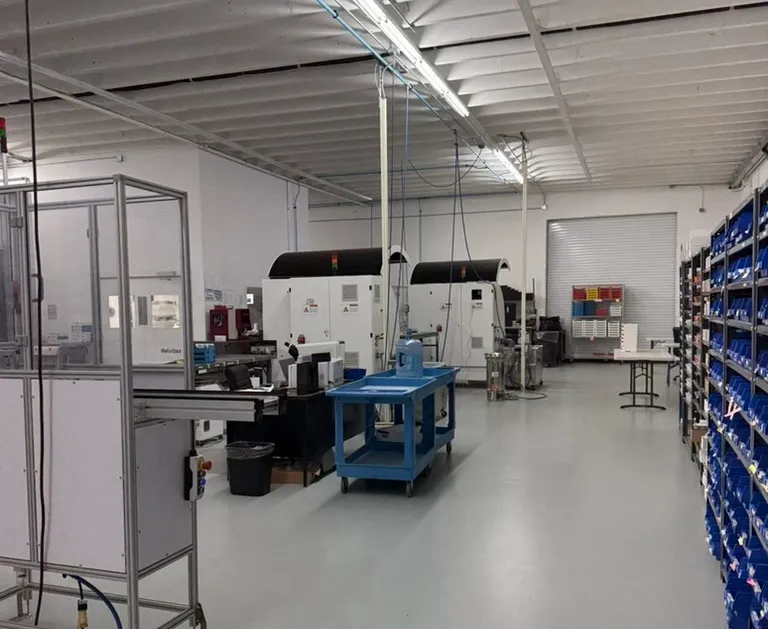
How do you open a new lab account without holding up orders?
Open the new account before you move a single job, so the old lab keeps working while the new one gets set up.
Ask how the new lab takes orders. If your staff can keep ordering from the screen they know, there’s nothing new for the front desk to learn.
With us, step one is the VisionWeb sign-up form: practice name, a contact, email, phone, and your VisionWeb account number if you have one. We add your practice to our VisionWeb account, usually the same business day. Phone and fax orders work too.
At ITFIT: if you already order through VisionWeb or Lens-Sync, say so on the form and we link that account to your ITFIT account, so your staff keep the screen they know. New accounts get their own account manager, and there’s no minimum order, so the first week can be a single job.
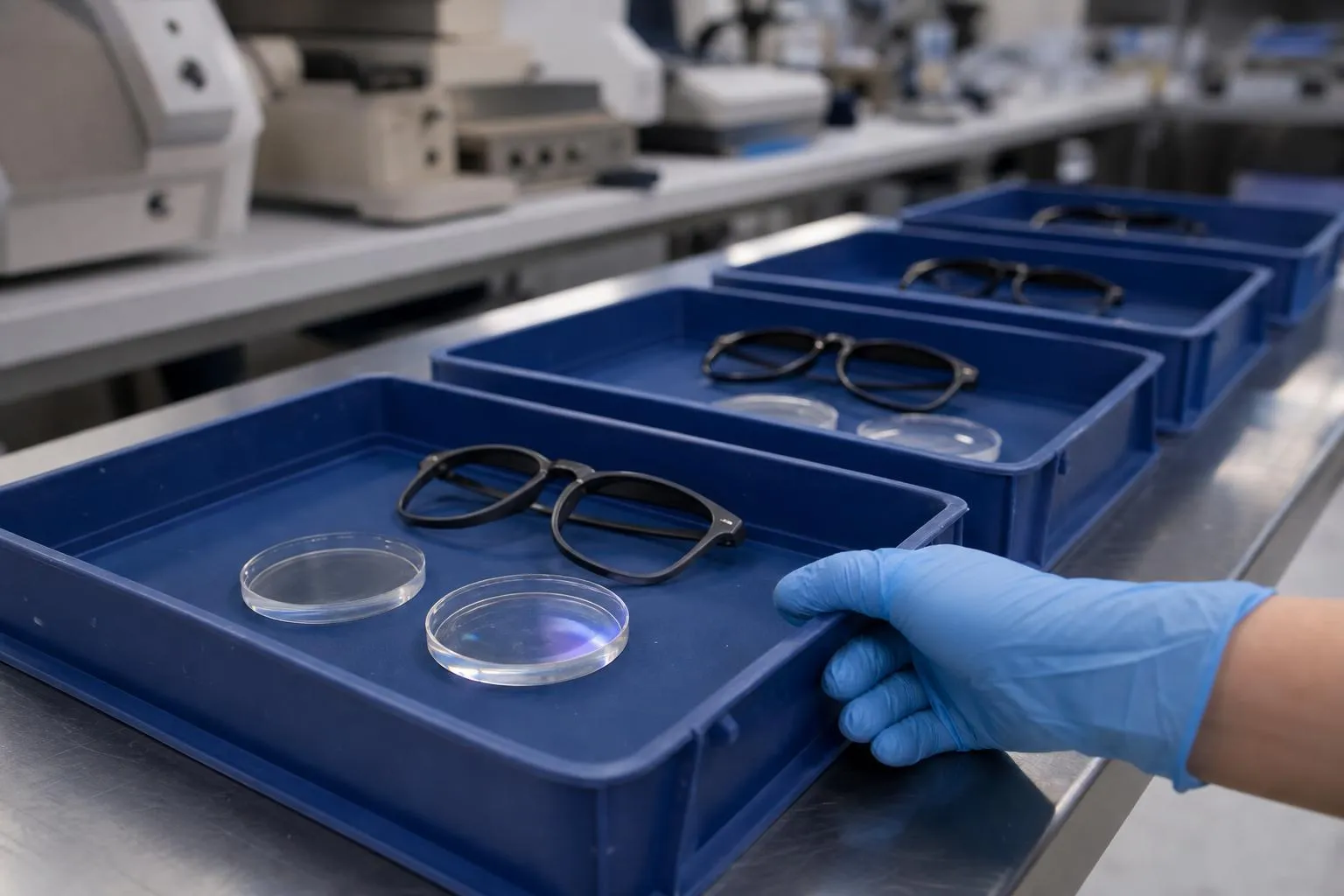
What test jobs should you send a new optical lab?
Send one or two jobs you know well, so you judge the lab on work you can check. One single vision job and one progressive test both halves of the lab.
Pick a progressive with a prescription you’ve dispensed before. Send it with everything a free-form lens is calculated from: monocular PDs, fitting heights taken in the adjusted frame, and a frame tracing. A guessed fitting height turns the test into a test of your measurements.
When the jobs come back, check them the way you’d check a patient’s glasses: distance power at the distance circle, prism at the prism reference point, then the add. The lensometer guide shows where each one is read. Then check what a lensometer can’t see: the edge, the coating and the fit in the frame.
Write down three dates for each job: the day you ordered it, the day it shipped and the day it arrived. They tell you whether the lab’s turnaround holds on your own work.
At ITFIT: single vision leaves the lab in 1-2 business days and progressives in 2-3. A new account’s first two jobs are free, so you judge the work before you pay for it.
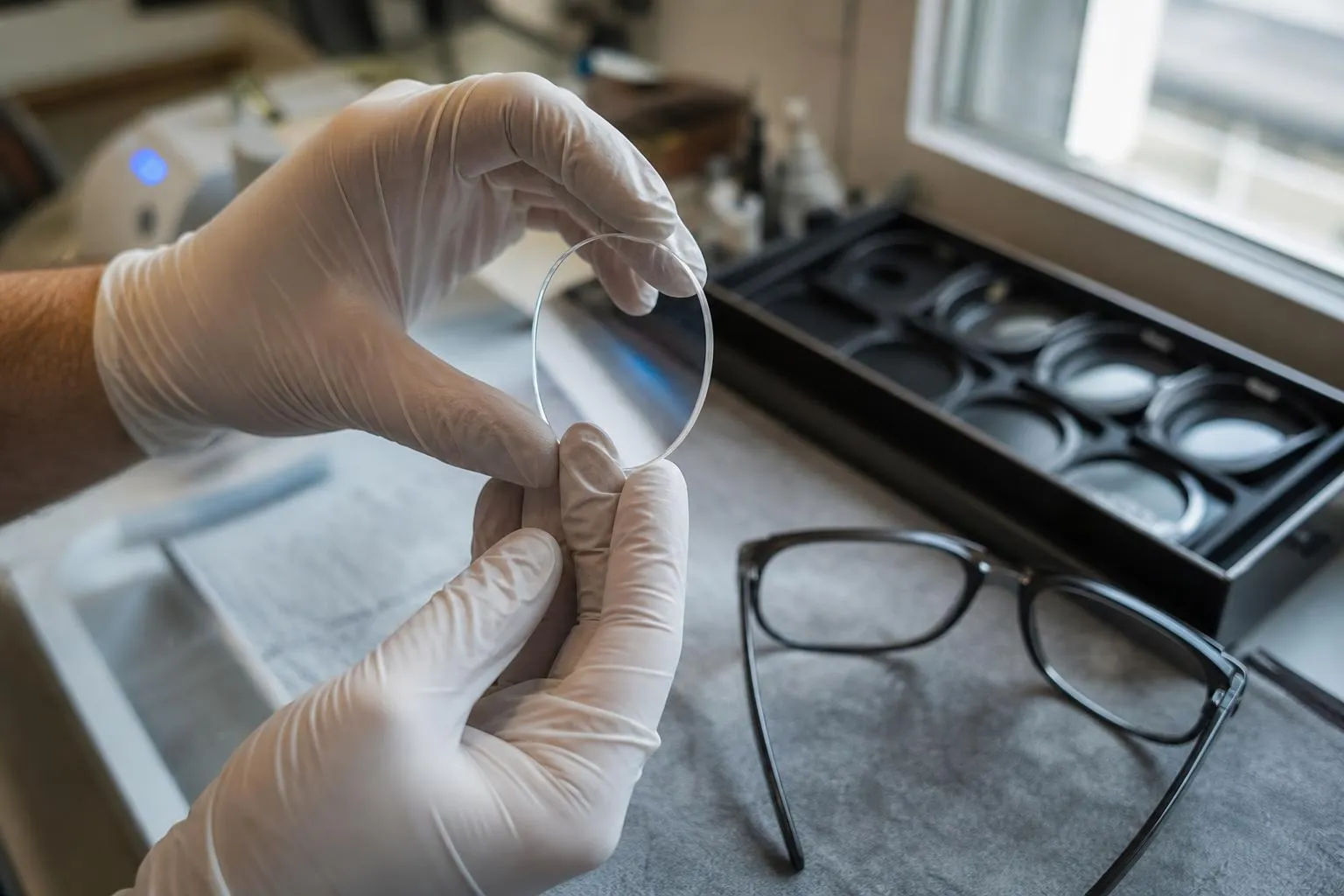
What happens to jobs and frames already at the old lab?
Jobs already at the old lab stay there until they’re finished, and their frames come back with them. A job in progress may already be surfaced or coated, so pulling it can mean paying for work already done and starting again.
Pick a switch date and get a list of the old lab’s open jobs: patient, job number and the date each is due back. From that date all new orders go to the new lab, so the list only gets shorter. Cross each job off as it comes in.
Remakes and warranty claims on those jobs go back to the old lab, under its own terms, since the lab that made the lens handles its remake. Keep its phone number and your login until the last one is settled.
A frame for a new job goes to the new lab with the order. Any job a lab edges needs the frame’s shape, so send the frame, or a tracing from your tracer if you’ll mount the lenses yourself.
At ITFIT: we edge and drill in our own building, drill mounts and grooved rimless included. With everything in-house, a frame you send us stays in one building until the finished job ships. If you buy frames too, our Top 40 goes on the same account with no bulk order upfront: email sales@itfit.com to order.
What should the front desk know when you’re switching optical labs?
Tell them three things before the switch date: which lab has which job, what date to promise, and who to call.
Which lab: anything ordered before the switch date is on the old lab’s list by the phone. Anything ordered after it is ours.
What date: single vision leaves our lab in 1-2 business days and progressives in 2-3. Shipping comes on top, and you pick one of five methods per order, each with its own time and price. Promise the patient a date that covers both.
Who to call: sales on 305-413-3675 and customer support on 561-938-4644, Monday to Friday, 9am to 5pm. Our team takes calls in Spanish too.
At ITFIT: we always know where your jobs are, so the person who answers can go and look at the job. If your old lab couldn’t tell you where a job was, that’s probably why you’re switching.
When is the lab switch finished?
It’s finished when the old lab’s list is empty and its last remake is settled. Until then, keep both labs in your remake log.
After a month on the new lab, compare. Divide each lab’s remakes by the jobs you sent it, sort them by cause, and judge each lab on its own row. Tracking remakes by cause shows how to set up the log.
At ITFIT: our average return rate is 0.48%: fewer than 5 lenses back for every 1,000 we make. Put your own jobs next to that number.
Switch in that order and the old lab finishes what it has while the new one proves itself on jobs you chose. At no point does a job sit between two labs.
Step one is the VisionWeb sign-up form. Then send us a test job or two.
Questions
I already order through VisionWeb. What changes when I add ITFIT?
Put your VisionWeb account number on our sign-up form and we link it to your ITFIT account. We add your practice to our VisionWeb account, usually the same business day, and your staff keep ordering from the screen they know.
Who handles a remake on a job my old lab made?
The old lab. It made the lens, so the remake falls under its terms. Keep its phone number and your login until the last of its jobs is settled.
Is there a minimum order while I try a new lab?
Not at ITFIT. Send one job or a hundred.
How many test jobs should I send?
One or two is enough to start. Pick one single vision job and one progressive you know well, check both on your lensometer, and note the order, ship and arrival dates.
Who do I call at ITFIT during the switch?
Your account manager. New accounts get one. Sales is on 305-413-3675 and customer support on 561-938-4644, Monday to Friday, 9am to 5pm.
Can my staff order in Spanish?
Yes. Our team works in Spanish, from the first call to the finished job.
Does the lab need the frame for every job?
For any job it edges, it needs the frame's shape. Send the frame itself, or a tracing from your tracer if you plan to mount the lenses yourself.